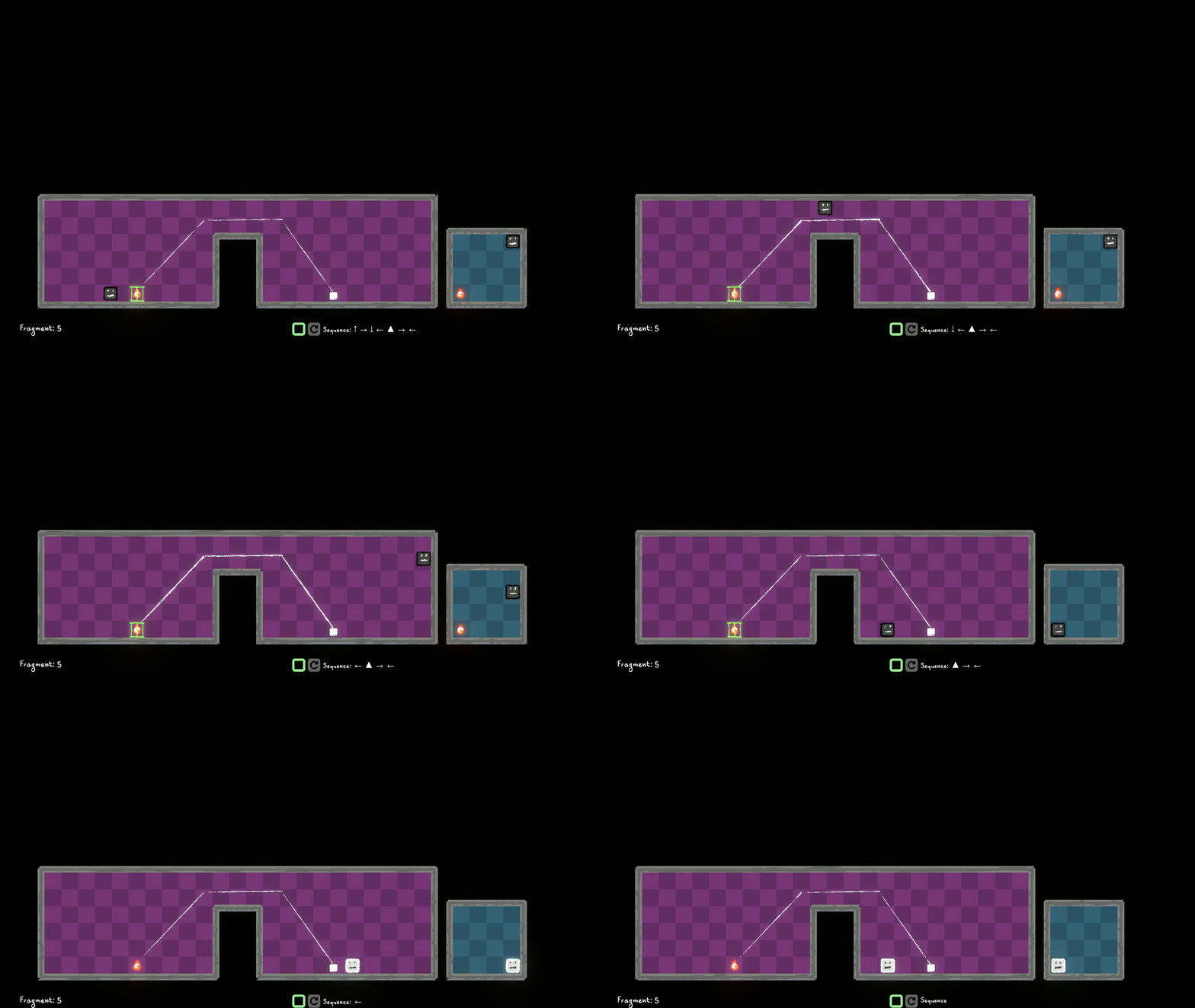
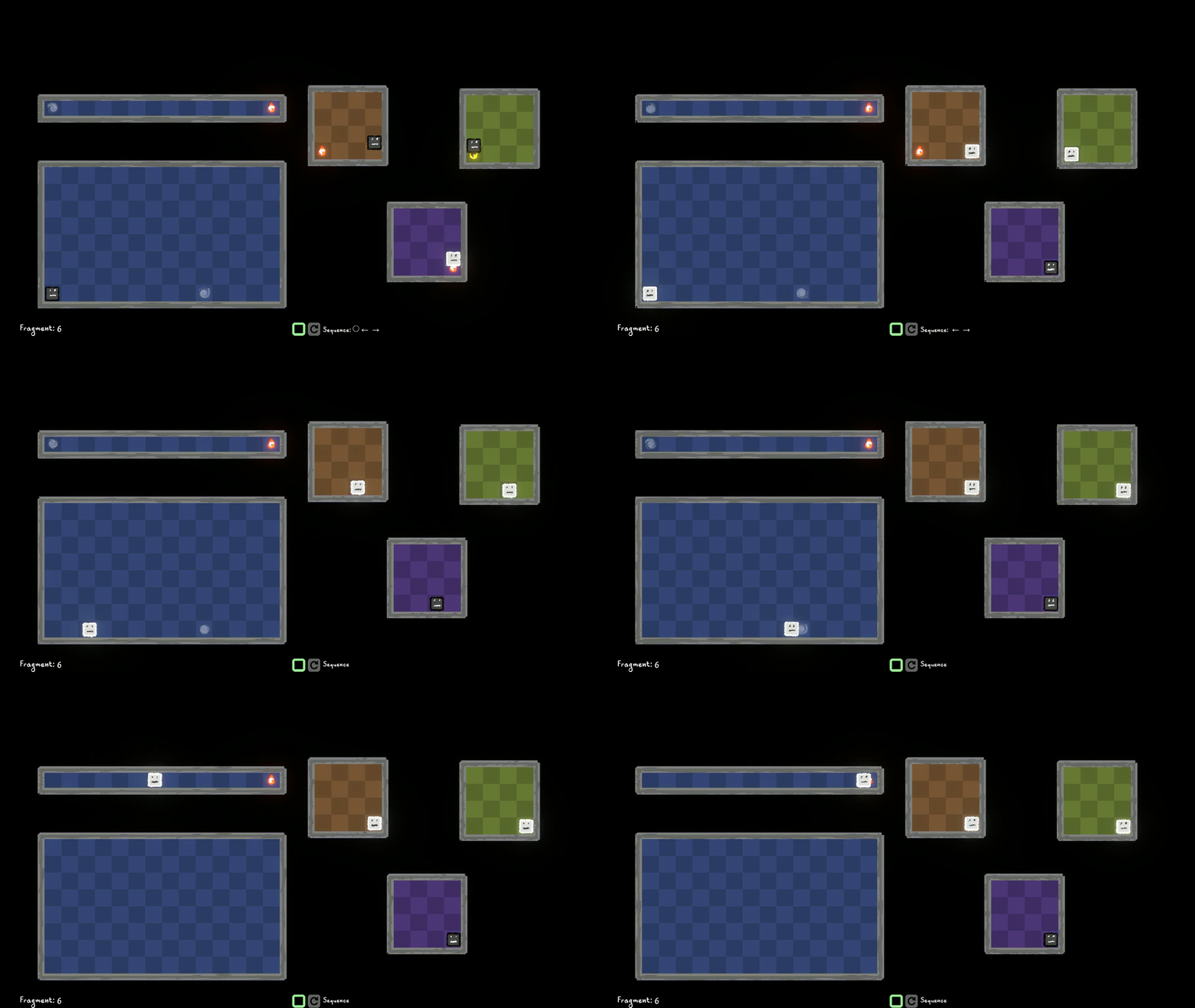
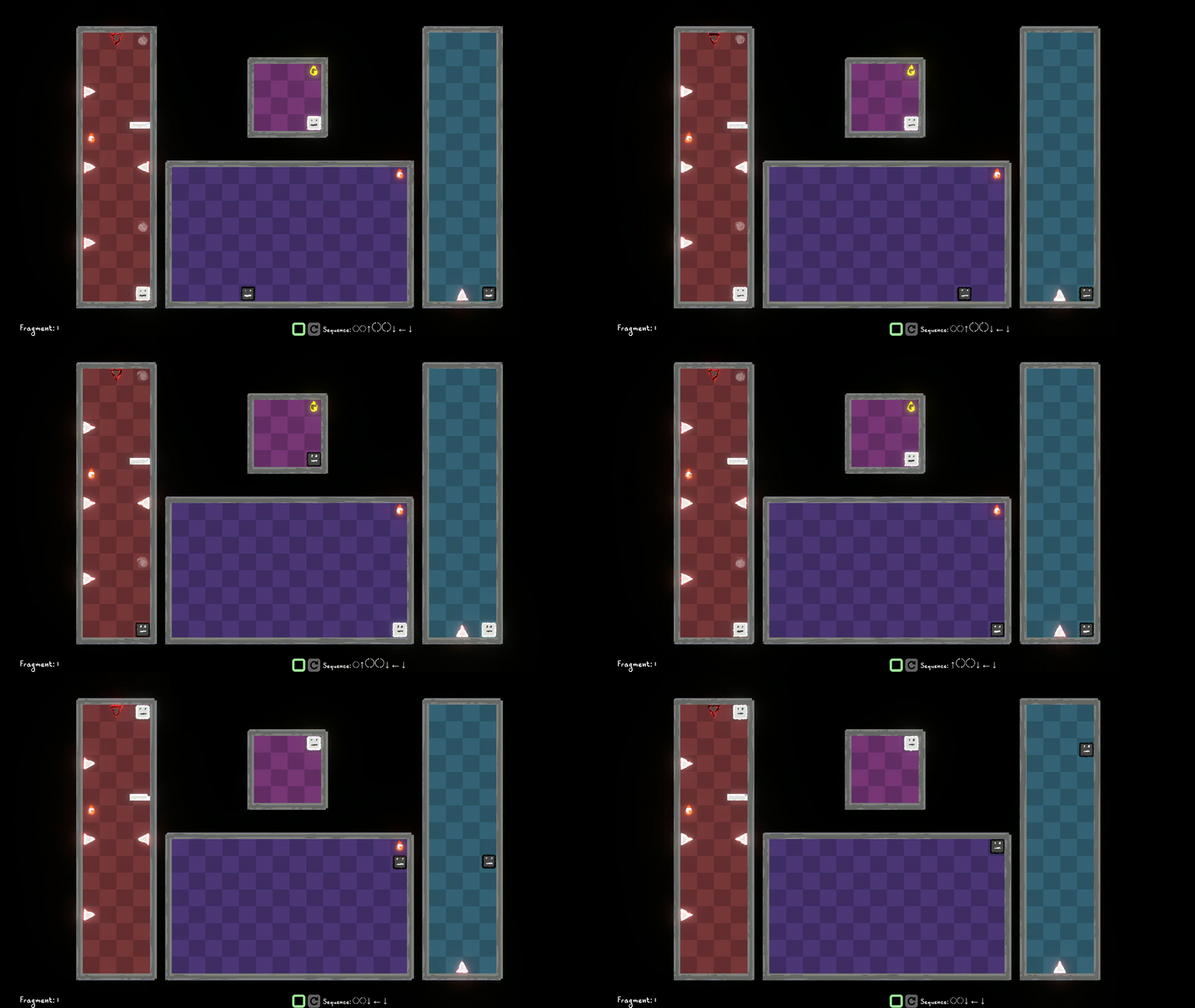
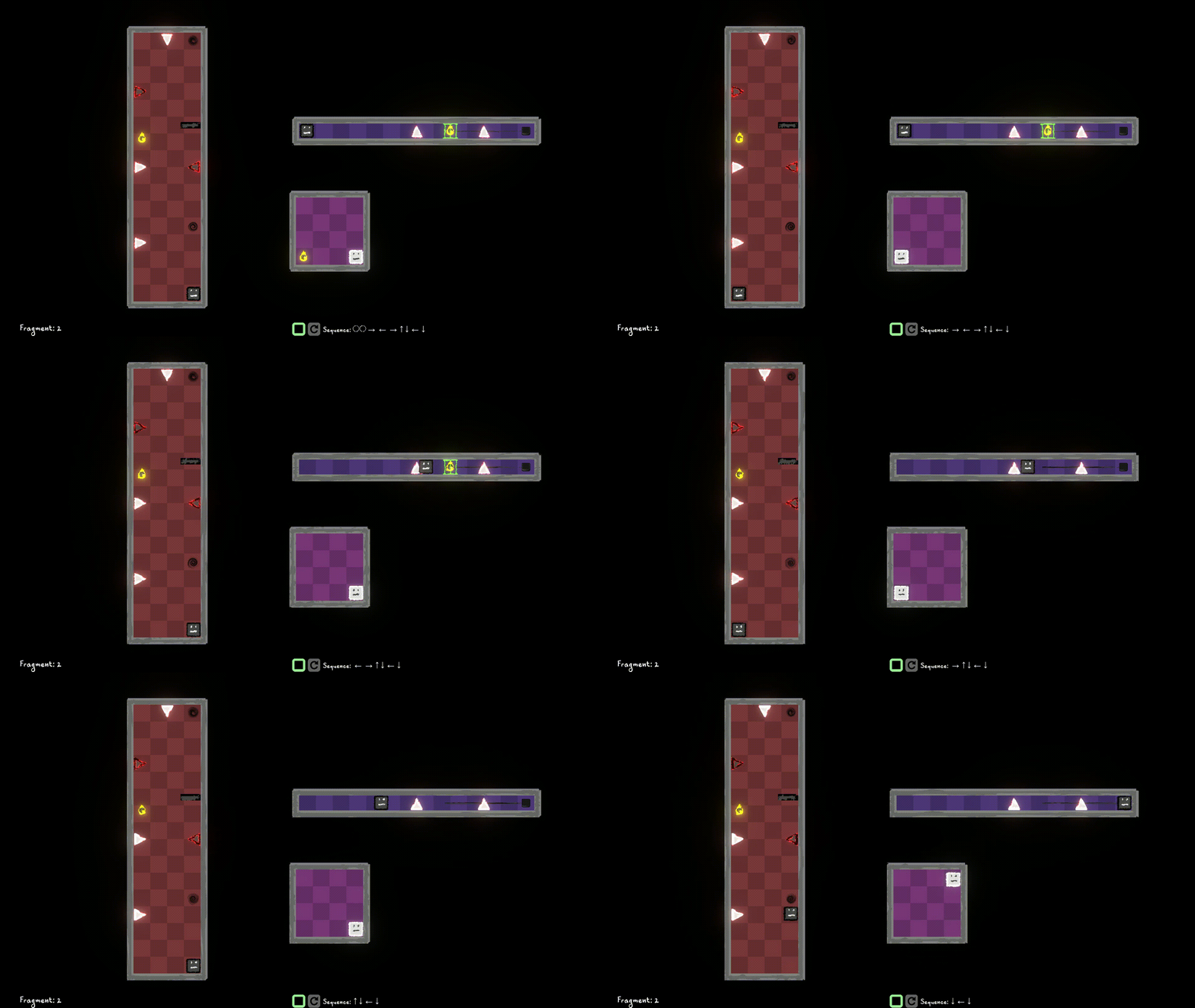
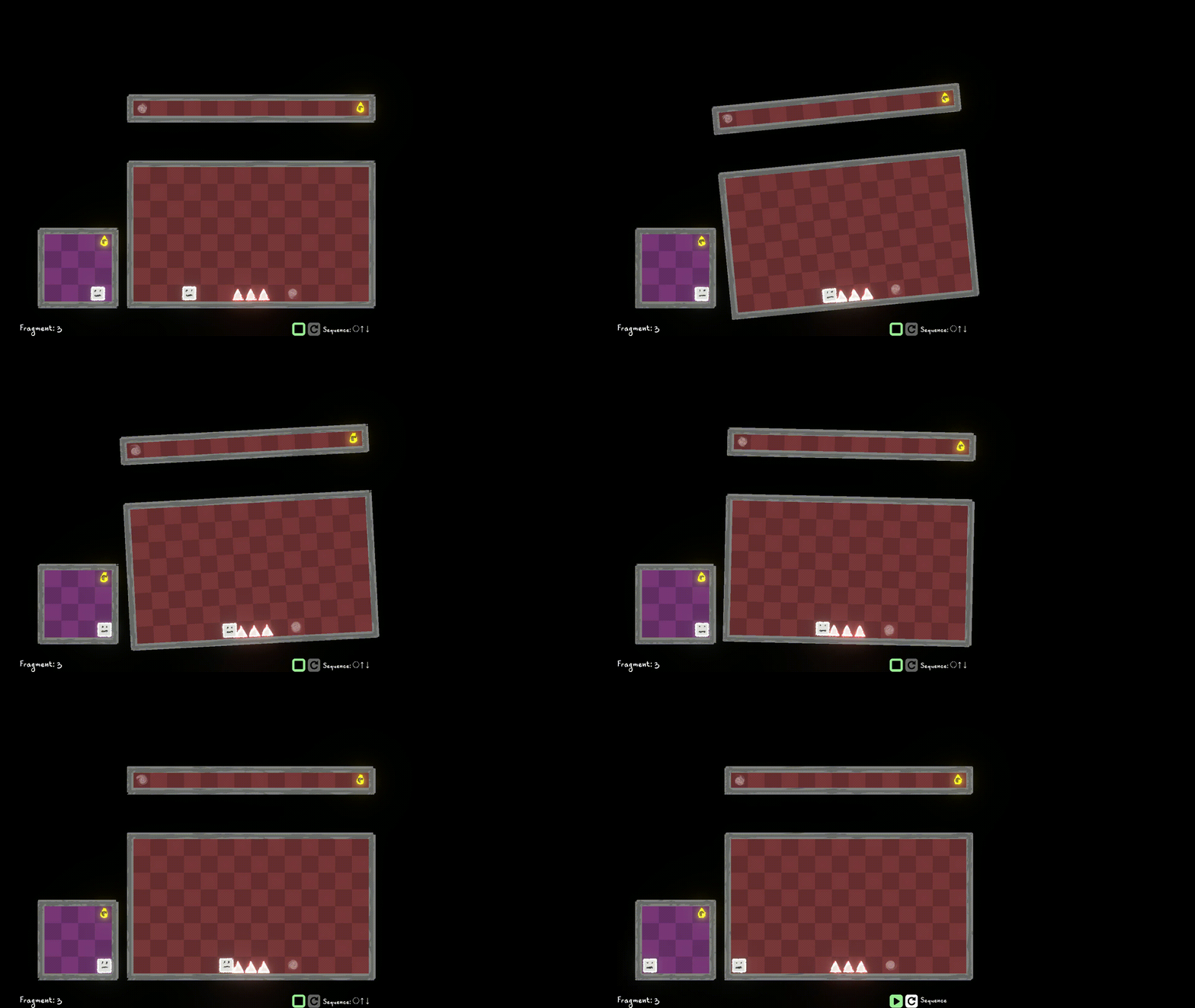
This Steam Early Access game is currently not a finished game and may or may not change significantly over the course of development. To learn more about Steam Early Access, please visit http://store.steampowered.com/earlyaccessfaq/Currently, it has very few levels, primarily showcasing the game mechanics. Procedural Generation is the next thing, stay tuned for more.
You made one mistake, of touching the untouchable A magical artifact that was buried deep in the depths.
The world tore into multiple worlds, in each timeline, running parallel, but with minor differences. Now strive to fix the world, merging them back into one.
Control the player in
multiple worlds, all working parallel. Collect
World Pieces of the original world which are scattered around the parallel worlds, and help put back the original world.
Jump into different
Dimensions of each world to avoid obstacles blocking your path. Collect the world pieces to protect your original world.
Game Mechanics:
Use
W/A/S/D to move the player
left/right/up/down and
Q/E to move the player to
Light Dimension and
Dark Dimension. You can interact with items like
walls/spikes/collectibles of the
same Dimension as a
Player Remnant. Use
F to
Flip the the current Dimension that the Player Remnant is in. If you're in the Dark Dimension, jump into the Light Dimension, If you're in the Light Dimension, jump into the Dark Dimension. Hit the world edge (wall), and the player stops walking.
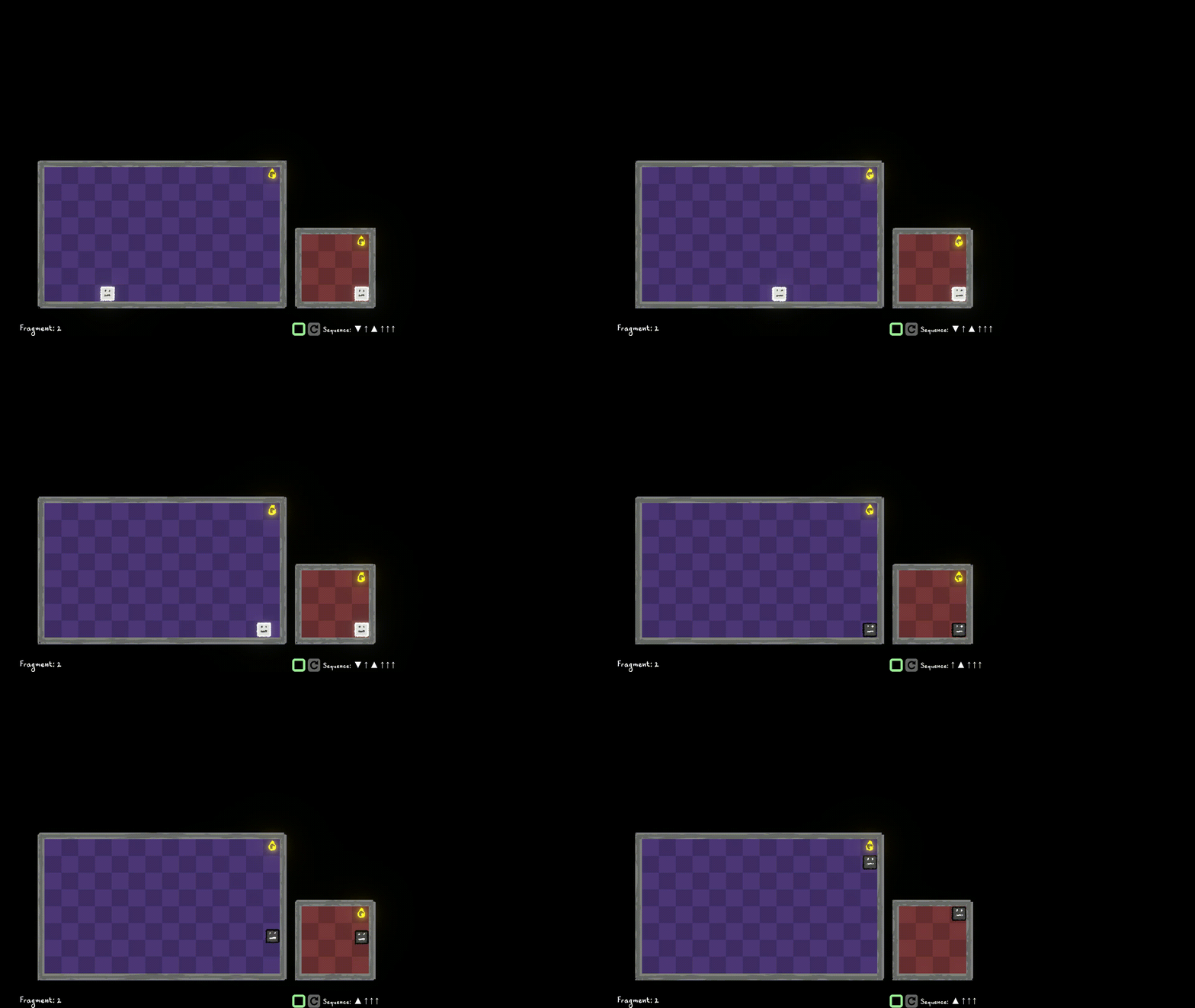
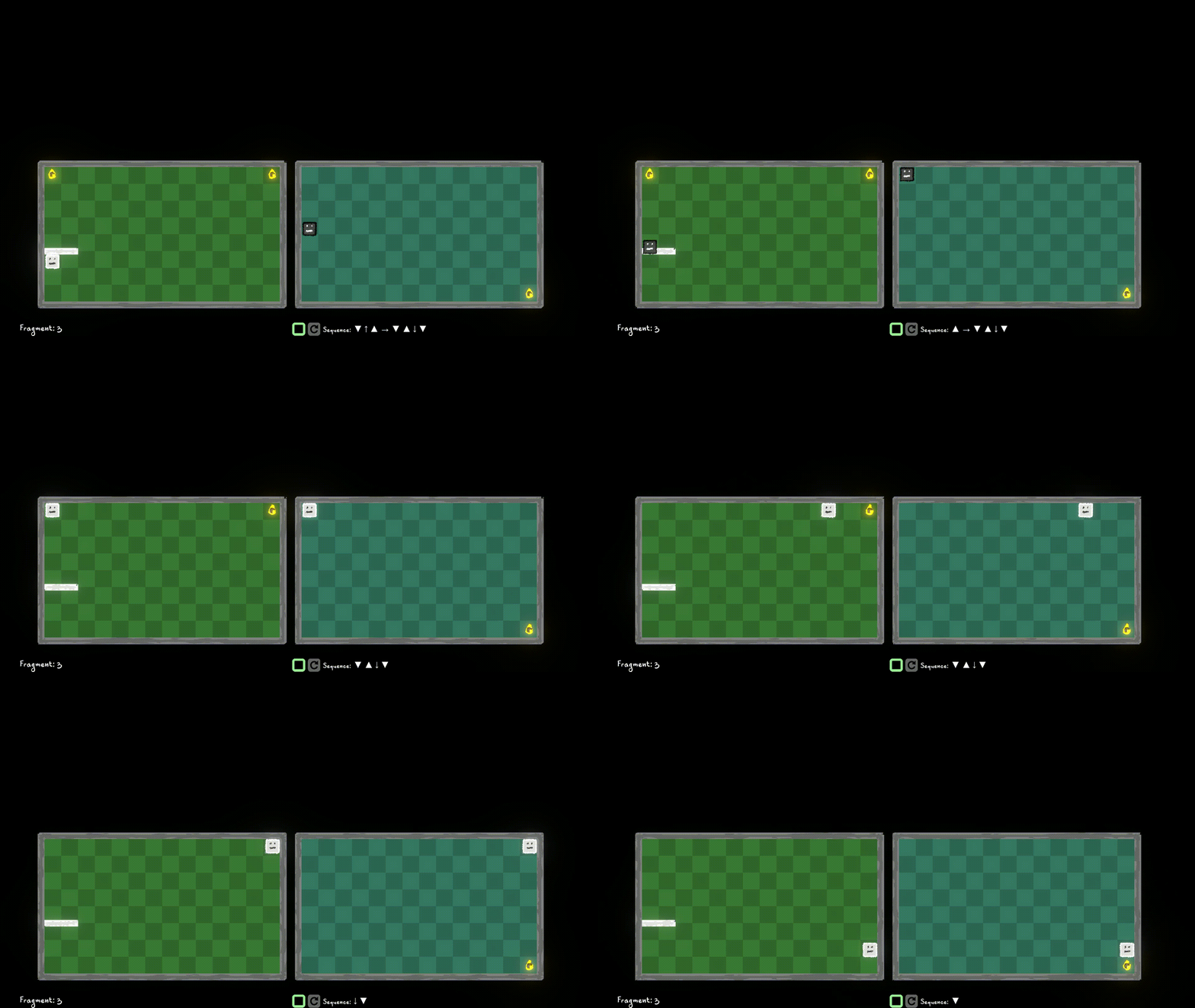
You start a level by
queuing up actions using the
W/A/S/D/Q/E/F buttons, and then hit the
Simulate button to simulate the sequence. If you have collected all the World Pieces in the level, you will have
stitched the fragment in the timeline, and you move on to the next fragment. Else? Fragment Reset. So strategize well, before you start the simulation. You can stop the simulation manually as well, but you still lose those points ;)
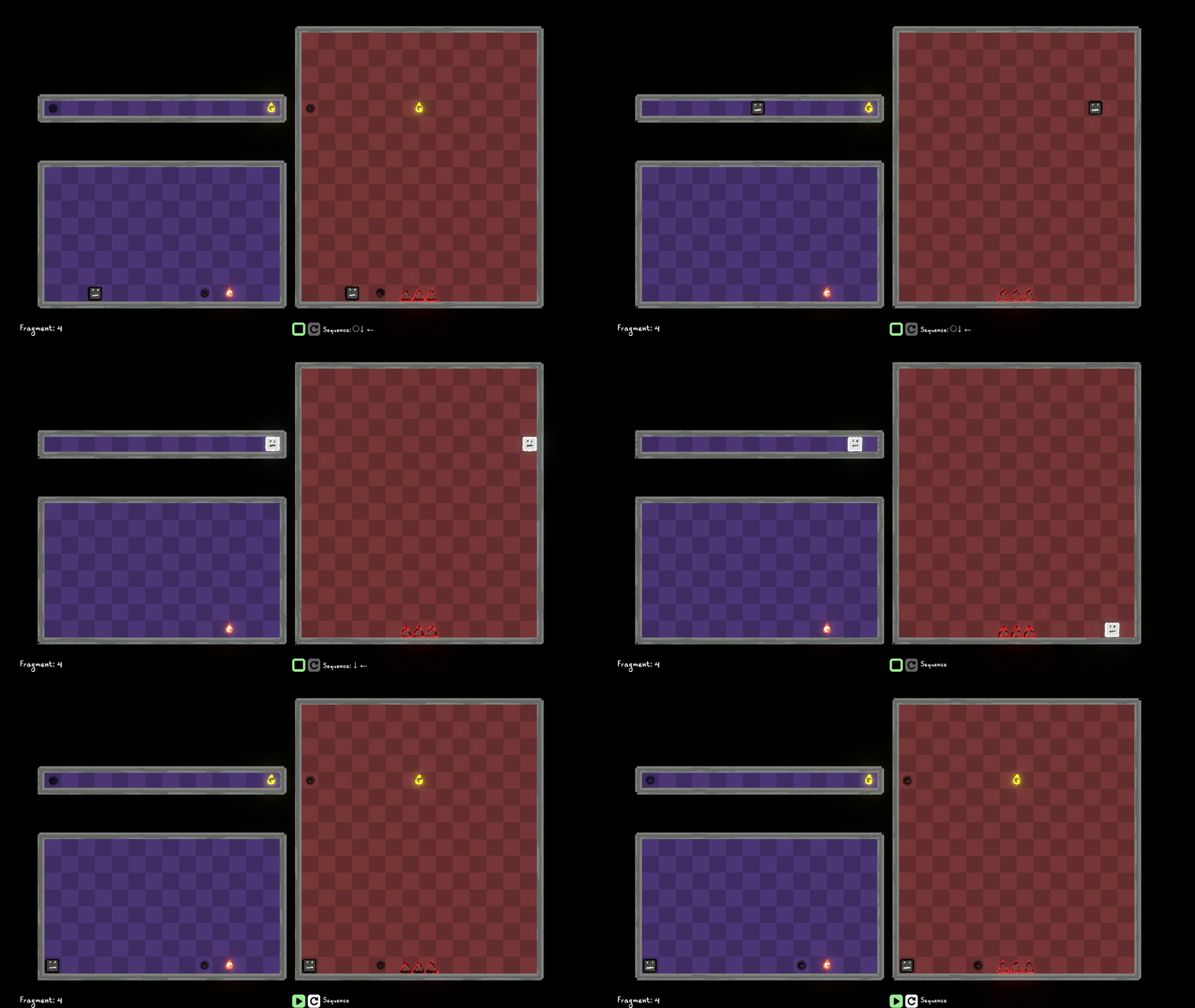
Look out for
portals, you can use them strategically to jump through, and your walk continues. You can only use portals that are in the same Dimension as the player.
Use
switches in the same Dimension to unlock/toggle the locks for certain
World Pieces, or
Obstacles.